TIPS
플레이스홀더 이미지 URL
Harimad
2022. 4. 19. 12:20
html 을 작성할 때 img 파일을 넣는 경우가 많습니다.
그 때 img파일을구하는게 귀찮을 때가 있습니다.
이제 url만 알면, 쉽게 온라인에 저장되어 있는 이미지를 불러올 수 있는 방법을 알려드리겠습니다.
<!DOCTYPE html>
<html lang="en">
<body>
	<img src="">
</body>
</html>
위의 img 태그안에 있는 src에 아래에 소개된 url을 이용하면, 사진을 손쉽고 자유롭게 사용할 수 있습니다.
1. via.placeholder.com (일반사진)
1-1. placeholder url + 가로 / 세로 크기
<img src="http://via.placeholder.com/300/300">
1-2. placeholder url + 가로세로크기 / 배경색 / 숫자색
<img src="http://via.placeholder.com/300/000000/ffffff">
1-3. placeholder url / 가로세로사이즈 + ?text="영어입력"
<img src="http://via.placeholder.com/300?text=putHere">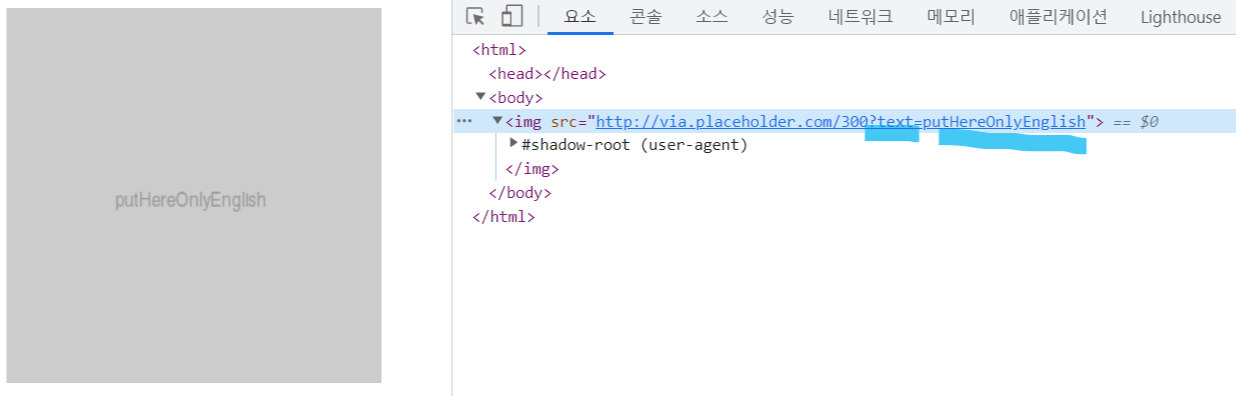
1-4. placeholder url / 가로세로사이즈.이미지포멧(png, gif, jpg) / 배경색 / 글자색
<img src="http://via.placeholder.com/300.png/000000/ffffff">

<img src="http://via.placeholder.com/300.jpg/000000/ffffff">

<img src="http://via.placeholder.com/300.gif/000000/ffffff">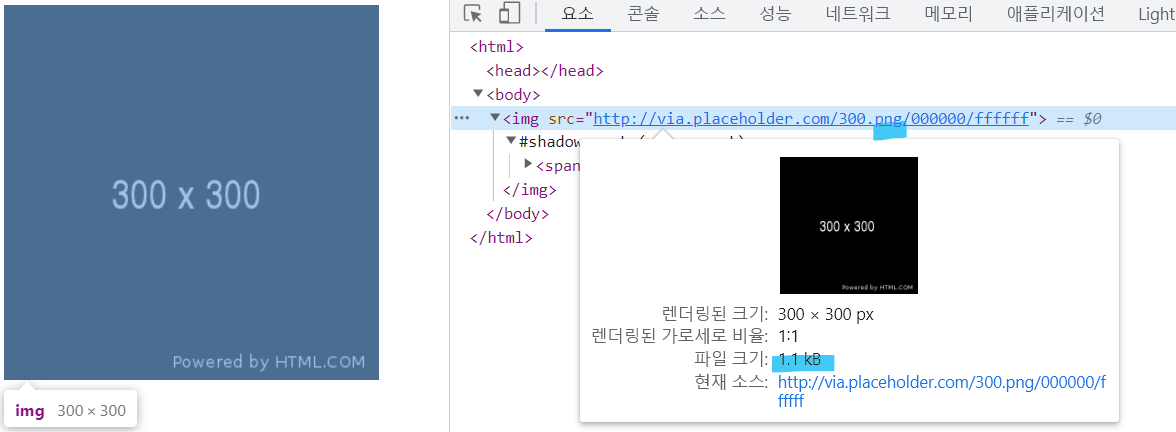


2. 랜덤사진
<img src="http://placeimg.com/250/250/any">
3. 고양이 사진
<img src="https://placekitten.com/640/360">